

51·
22 days agoA lot of ram is under lifetime warranty, check the manifacturer site (usually a serial lookup is enough).
A lot of ram is under lifetime warranty, check the manifacturer site (usually a serial lookup is enough).

My mom would probably be very angry if I choose to save her over my wife.
My wife can swim ten times better then me tho, so she probably ends up saving both my mom and me

… And he said it might work on wsl, which is Linux on windows translation layer, including graphics support.
A lot of Linux tooling has opened up to windows users because of it, which would include darling, to run mac apps, via wsl, on windows.
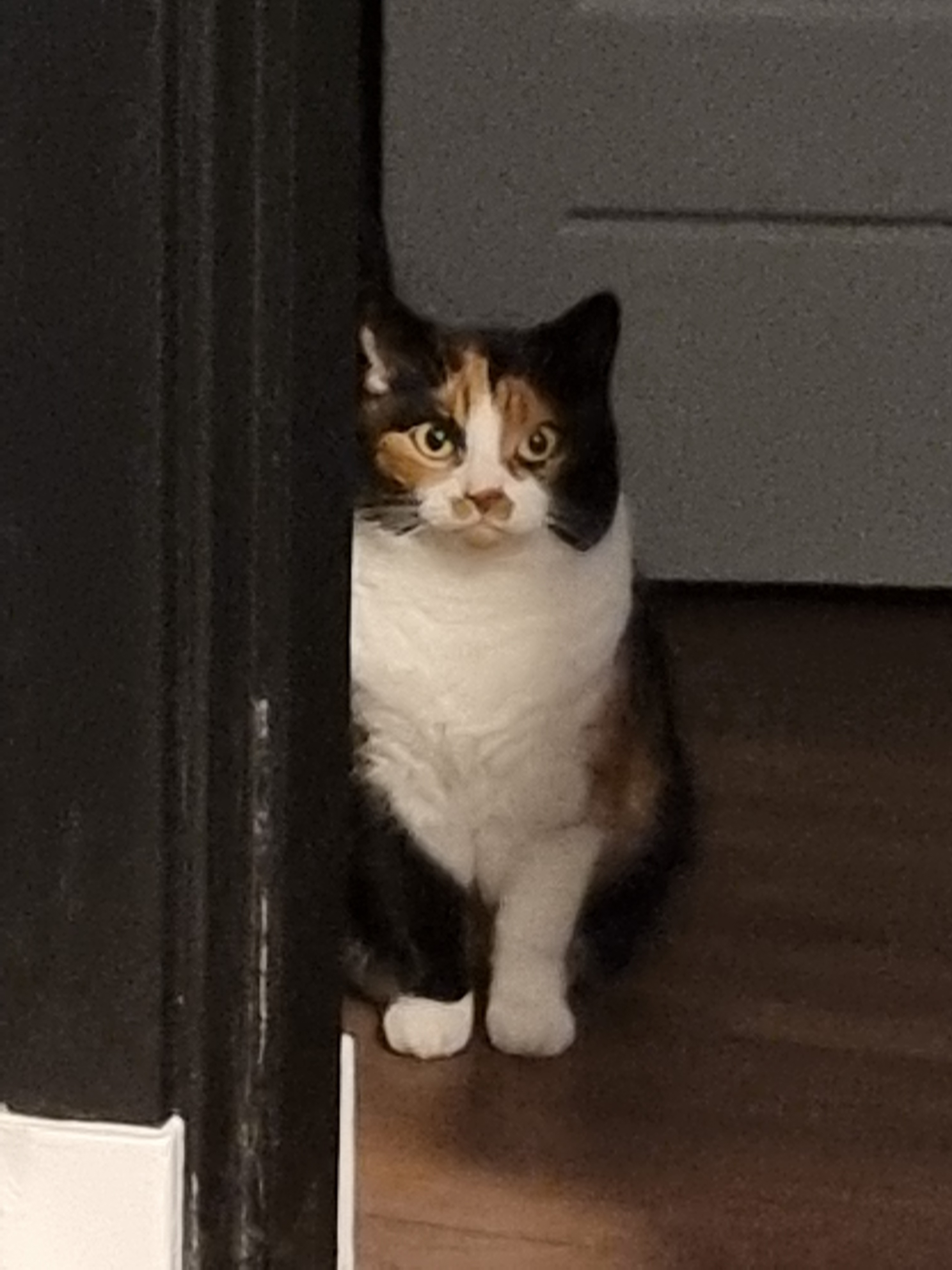
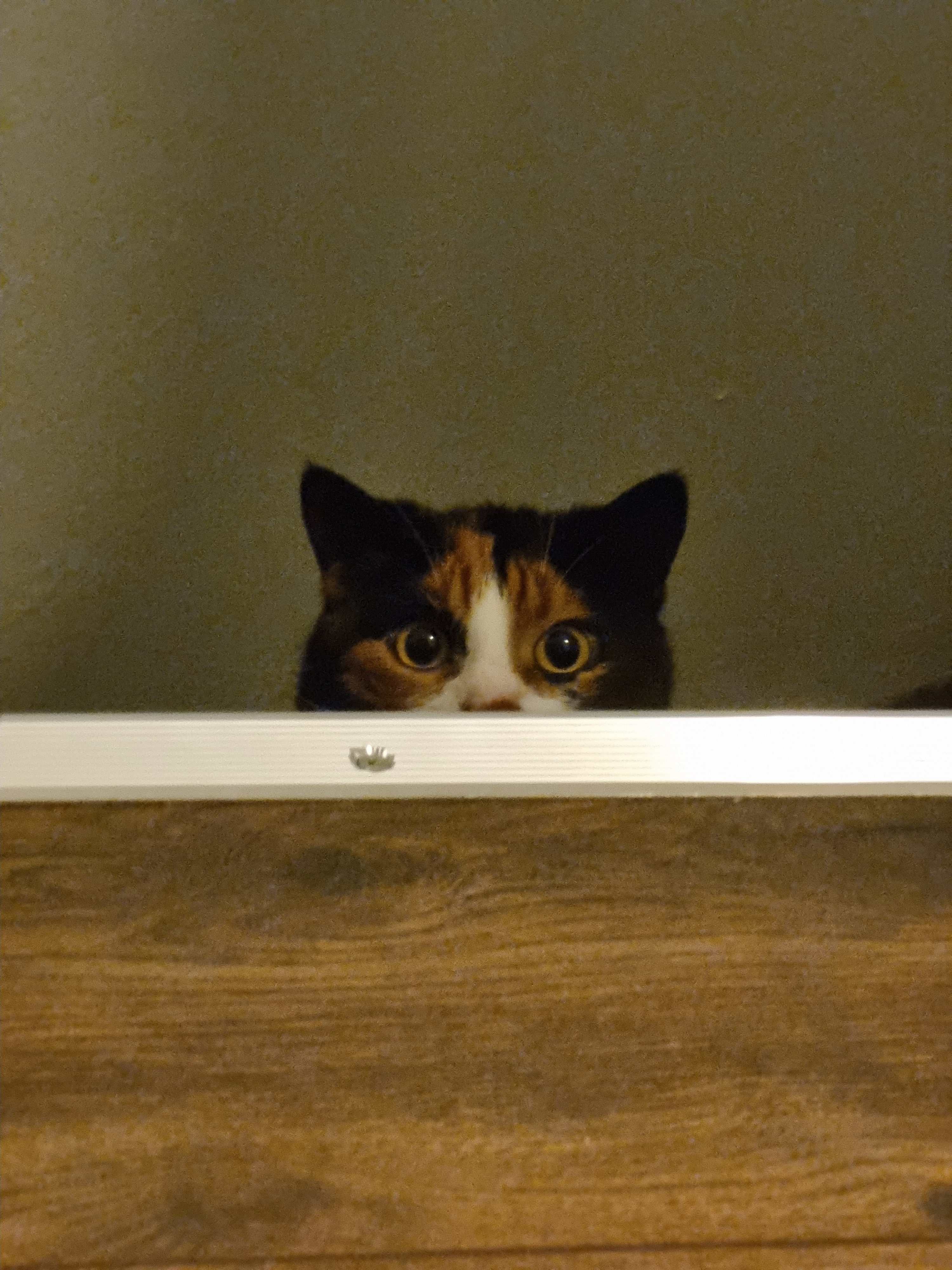
Our cat has a craving for chocolate, milk and everything not good for her.
She’s not the brightest bulb
If you run a tidy ship, you could go through the apps you might suspect, there is a “set an alarm” permission under settings -> apps -> app -> permissions -> three dots -> all permissions.
I don’t think stopping / clearing app data makes it go away if it’s do persistent, so you might have to resort uninstalling the apps that have this permission until it goes away.

If the issue is more prominent when the cursor is showing, it could be the hardware cursor (default on KDE) causing the issue. When you use hardware cursors, the cursor is rendered on a different ‘plane’ on top of the rest, possibly causing desync. You could try disabling it with a environment variable (I think it was KWIN_FORCE_SW_CURSOR=1), forcing to software render the cursor.

It’s a stationary unit that shoots projectiles. Pretty apt description
550+ has Explicit Sync, which indeed causes a variety of issues still. Newer versions does bring things like multi monitor VRR, increased performance in VR and Wayland hardware cursors (and probably more).
DX12 support is usually handled through VKD3D, which has an open issue on the latest Nvidia driver. The ticket suggests you have to run at least Kernel version 6.9.3.
Rolling back the driver version would probably be through downgrade together with nvidia-utils and lib32-nvidia-utils, you can chain them in one command to satisfy the dependency resolver. e.g. sudo downgrade nvidia nvidia-utils lib32-nvidia-utils. Make sure to check if you run nvidia or nvidia-dkms.

Send them a message? They are usually very helpful, you might be able to either get a model or a replacement part.